
Screen Comfort Support
Support visual comfort during extended screen exposure.
This pathway connects vision & eye comfort with practical daily structure and related educational context.
Focus Areas Connected

How We Support (Methods / Pathways)
Screen distance setupPlace the screen where the body and eyes feel less crowded.
Set the screen far enough away that you are not leaning toward it, and place it so the top portion is comfortable to view without lifting the chin. Recheck the setup after moving laptops or working in a different space, because small changes in distance and height can alter comfort over a long session. Within Screen Comfort Support, “Screen distance setup” should stay flexible enough to fit an ordinary day rather than becoming a fixed rule.
Light balanceMatch screen brightness with the room.
Adjust the room and screen together rather than increasing one in isolation. Avoid a bright screen in a dark room, reduce glare where possible, and use task lighting that lets you read comfortably without squinting or repeatedly changing posture. Use “Light balance” as one flexible support cue within Screen Comfort Support, rather than a stand-alone rule that has to be followed exactly.
Near-far breaksGive the eyes a different distance regularly.
During long periods of close work, regularly look toward a farther point in the room or outdoors for a short visual change. The goal is not a strict timer but a repeatable near-to-far rhythm that interrupts continuous close viewing and gives attention a natural reset. Use “Near-far breaks” as a practical part of Screen Comfort Support, not as another obligation that has to be completed perfectly.
Posture resetSupport the eyes by supporting the body.
Change position before one posture becomes the whole day. Stand, move the chair, place both feet differently, or reset the screen and shoulders for the next block; variety is more useful here than trying to hold one ‘perfect’ position for hours. On the Screen Comfort Support pathway, “Posture reset” works best as a repeatable cue rather than a performance target.
End-of-day off-rampLet visual load decrease before evening rest.
Choose a point when screens stop leading the next part of the day. You might move the phone away from the main resting space, switch from close-up scrolling to music or an audio task, or finish the last screen-based job before beginning the evening routine. Use “End-of-day off-ramp” as a practical part of Screen Comfort Support, not as another obligation that has to be completed perfectly.
Related Ways to Support
Visual Rhythm Support
A connected support pathway for additional daily context.
Explore Related Topics
Screen Comfort & Visual Balance
Explore the topic neighbourhood connected to this support pathway.
Featured Guides & Articles
Related Objectives
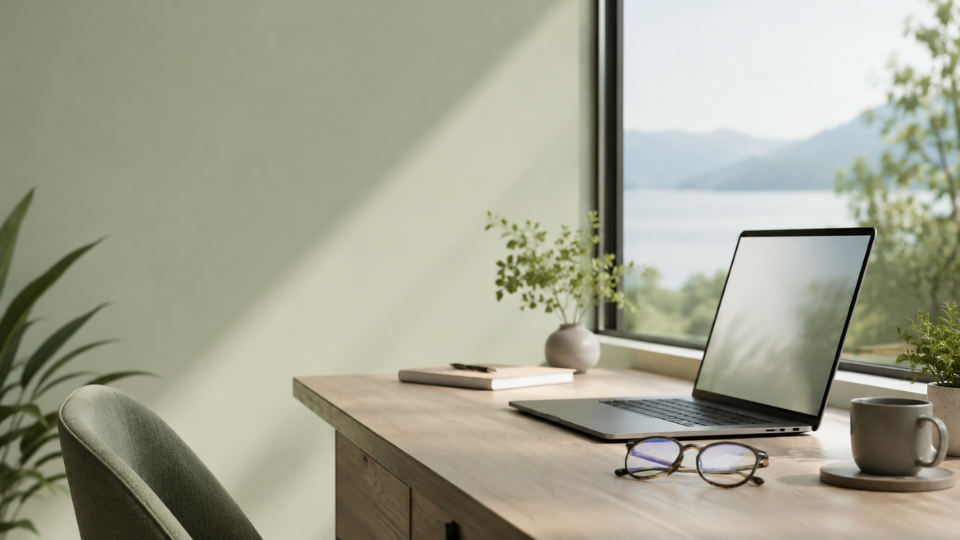
Screen Comfort
Explore support for “Visual Comfort During Screen Time” through the most relevant focus areas and daily pathways.
Questions About Screen Comfort Support
What does Screen Comfort Support support?
Screen Comfort Support supports a clearer daily structure around vision & eye comfort and related wellness routines.
Is this a fixed routine?
No. This page is an educational support pathway. It helps organise ideas and internal links, but it does not give a rigid plan or personal instruction.
Where should I go next?
Start with the connected focus area, then open the related topic or featured reading that best matches what you want to understand next.
Disclaimer: This content is educational wellness information and does not diagnose, treat, cure, or prevent any disease or condition. It is not a substitute for personalised medical advice.
Continue Exploring
Choose the focus area, topic, or objective that best matches your current priority, and continue through the governed GALMS knowledge structure.